

The simplest way to publish a newsletter
Write your post. Hit publish. We'll take care of the rest.
Core features are free forever.
How it works
From draft to inbox in four steps.
Write once. Publish and send at the same time.
Everything built in
Every feature you'd think to ask for.
No plugins, no integrations. Everything built-in
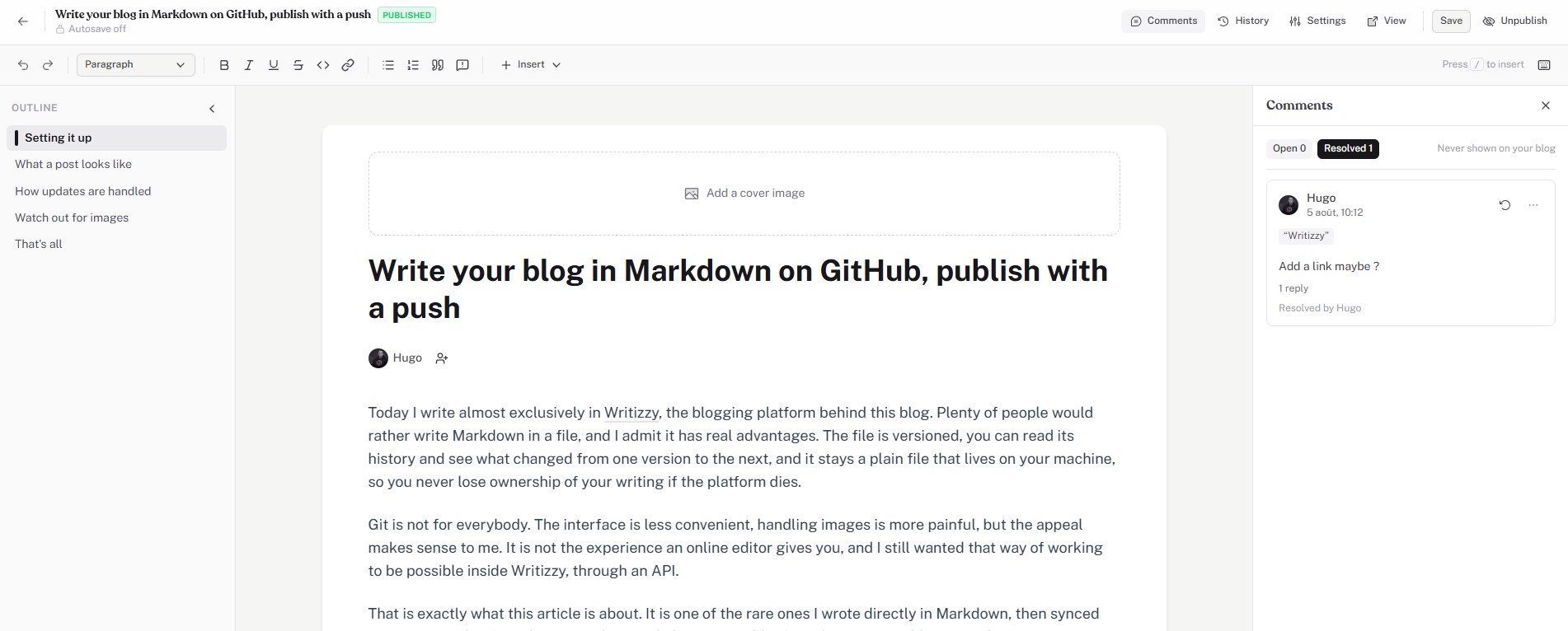
An editor you'll love writing in.
Outline, comments, cover images and one-click publishing. Nothing to configure before you start.
Emails they receive.
You publish, we take care of the deliverability.
Monetize your writing.
No middleman, no commission.
Manage your subscribers
Import your list, filter by tier, export any time. Double opt-in and GDPR compliance are on by default.
Good to know
Frequently asked questions.
Do I need a separate email service to send newsletters?
No. Writizzy includes newsletter sending on all plans. You write a post, choose your audience, and send, everything happens inside one platform. There is no need to connect Mailchimp, ConvertKit, or any other third-party tool.
Can I send newsletters only to paying subscribers?
Yes. When sending a newsletter, you choose the audience: all subscribers, or paid members only. This lets you create exclusive content for paying members while keeping a free newsletter for your wider audience.
How does double opt-in work?
When a new reader subscribes, they receive a confirmation email. They must click the confirmation link before they are added to your active subscriber list. This ensures your list only contains real, engaged readers and keeps you compliant with GDPR and anti-spam regulations.
Is there a limit on how many emails I can send per month?
Yes. Each plan includes a monthly email allowance, the total number of emails you can send across all your newsletters in a month. Higher-tier plans come with a higher cap, so you can send to a larger list more often as you grow.
Keep exploring
Pairs well with.
Paid subscriptions
Charge for your newsletter with paid tiers and keep all of the revenue.
Learn more Open formatsImport and migration
Bring your subscribers and archive over from Substack, Ghost or WordPress.
Learn more Your domainCustom domain
Run the blog and the newsletter on a domain your readers recognise.
Learn moreStart sending newsletters today.
Create your blog, grow your list and deliver to inboxes from one place. Core features are free forever.