Every time you publish, Writizzy can POST a structured payload to a URL of your choice. Zapier turns that webhook into a trigger, so a single publish can set off any workflow you can imagine: a Discord message, a row in a spreadsheet, a Notion page, an SMS, you name it.
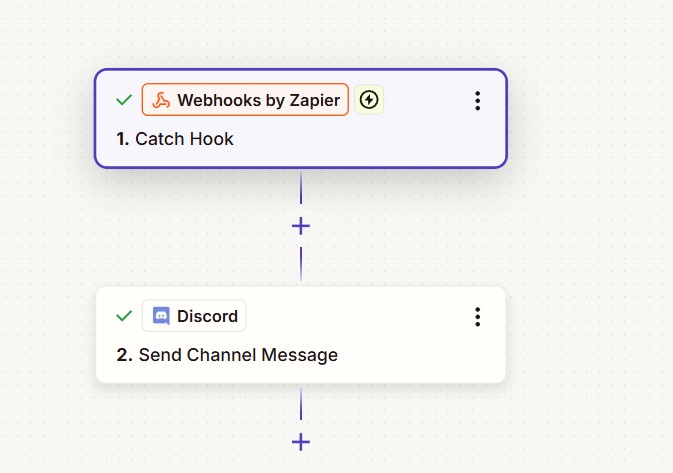
Step 1: Create a Catch Hook in Zapier
In Zapier, create a new Zap and choose Webhooks by Zapier as the trigger, with the event Catch Hook. Zapier gives you a unique webhook URL. Copy it, you will paste it into Writizzy next.
Step 2: Add a webhook channel in Writizzy
Open Channels in your blog settings, click Add a channel, and pick Webhook. Paste the Zapier URL into Payload URL, then click Test and connect.
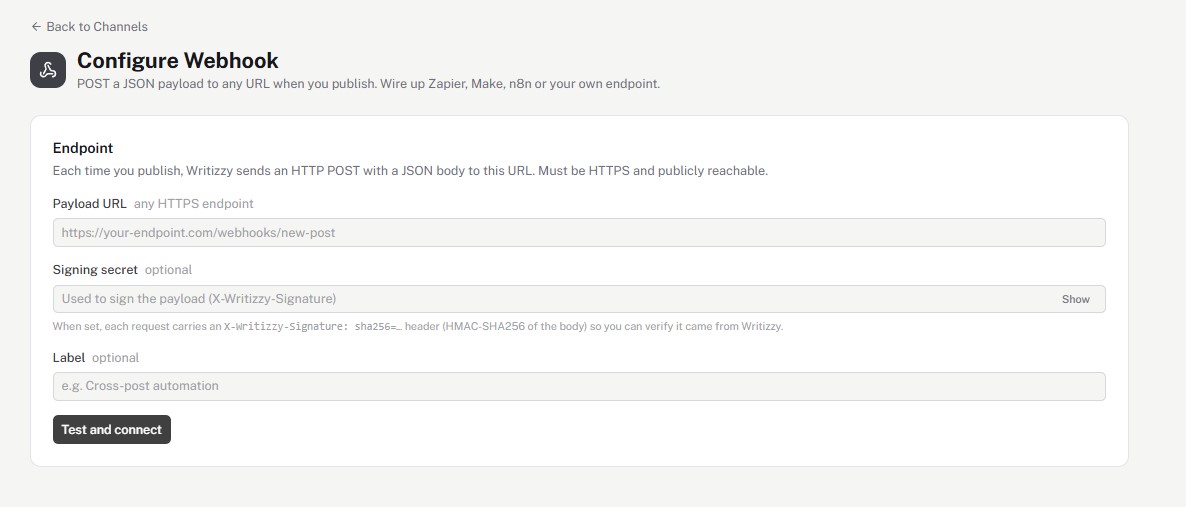
Two fields are optional:
- Signing secret: when set, every request carries an
X-Writizzy-Signature: sha256=...header (HMAC-SHA256 of the body) so your endpoint can verify the call really came from Writizzy. - Label: a name to recognise the channel later, like "Cross-post automation".
Once connected, Writizzy sends a test payload so Zapier can learn its structure. The live preview shows exactly what gets posted.
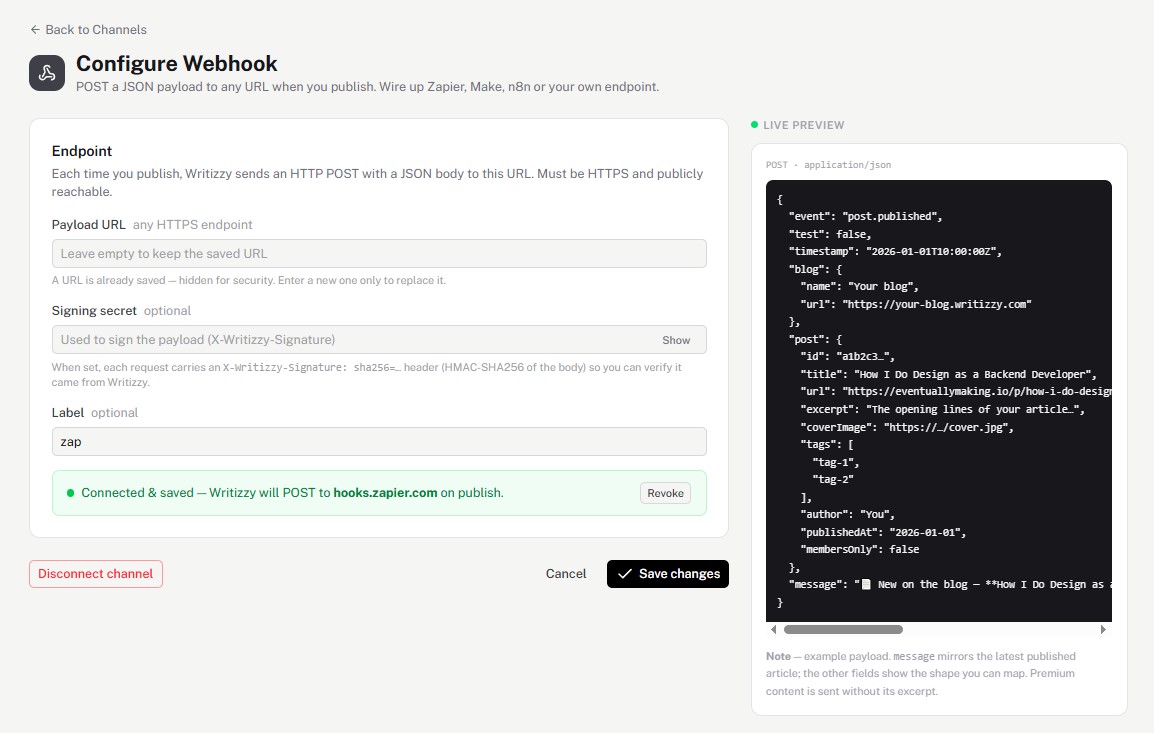
Step 3: Map the payload to any app
Back in Zapier, add an action step, for example Discord → Send Channel Message, and map the fields from the Writizzy payload into it. The message field is a ready-to-send announcement; the other fields let you build your own.
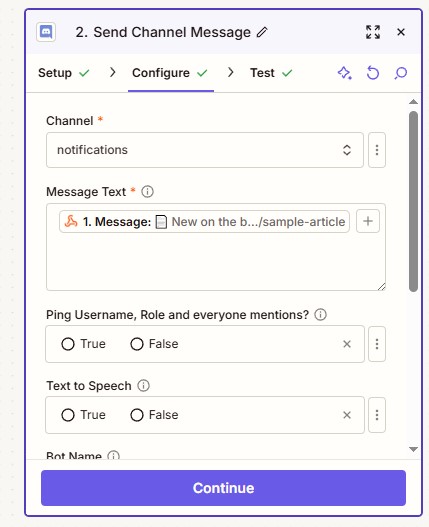
Turn the Zap on, and from now on every publish runs your workflow automatically.
What's in the payload
Each publish sends a JSON body like this:
{
  "event": "post.published",
  "test": false,
  "timestamp": "2026-01-01T10:00:00Z",
  "blog": { "name": "Your blog", "url": "https://your-blog.writizzy.blog" },
  "post": {
    "id": "a1b2c3...",
    "title": "How I Do Design as a Backend Developer",
    "url": "https://eventuallymaking.io/p/how-i-do-design",
    "excerpt": "The opening lines of your article...",
    "coverImage": "https://.../cover.jpg",
    "tags": ["tag-1", "tag-2"],
    "author": "You",
    "publishedAt": "2026-01-01",
    "membersOnly": false
  },
  "message": "New on the blog: **How I Do Design...**"
}
Good to know
- The same webhook works with Make, n8n, or your own backend. If it accepts a webhook, it works.
- The endpoint must be HTTPS and publicly reachable.
- Premium content is sent without its excerpt.