A well-placed post from X can make a point better than a paragraph. Quote a reaction, drop in a source, or build a whole article around a thread starter. Here is how to embed one in Writizzy.
Copy the post link on X
Open the post on X, click the share icon, and choose Copy link. Public posts work from any account; protected accounts will not embed.

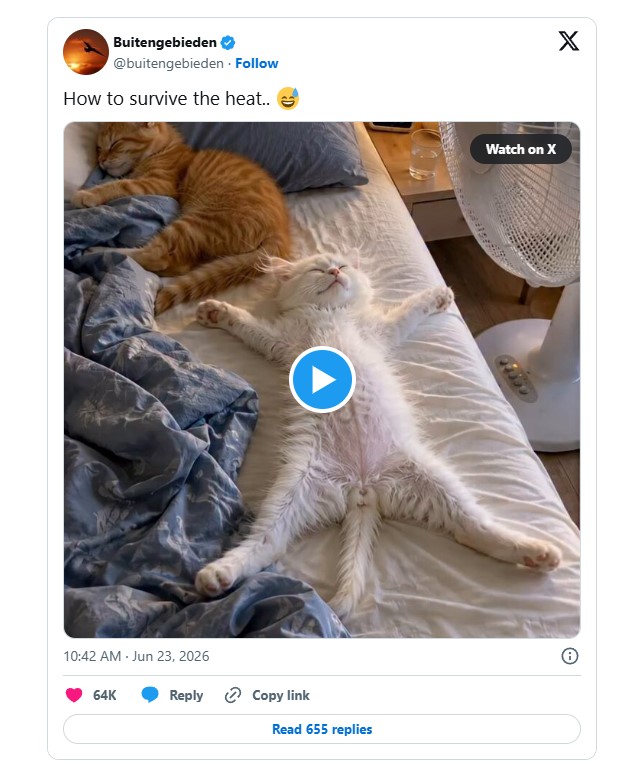
Paste it into your article
In the editor, put your cursor on an empty line and paste the link. Writizzy recognises the URL and turns it into a live embed automatically.
Prefer to stay on the keyboard? Type /x in the slash menu and paste the URL into the dialog instead.
Good to know
- The embed pulls the live post, so likes and replies stay current and the link back to X is preserved.
- Embedding shows a single post. To feature a thread, embed the first post and link to the rest.
- If a post is later deleted or made private, the embed stops rendering, just like anywhere else on the web.