Bluesky works with Writizzy in two ways, and they are independent, so use either or both:
- Cross-posting pushes your articles out to your Bluesky audience the moment you publish.
- Embedding pulls individual Bluesky posts into your writing.
Cross-post to Bluesky
Announce each new article to your followers automatically, with the post written for you.
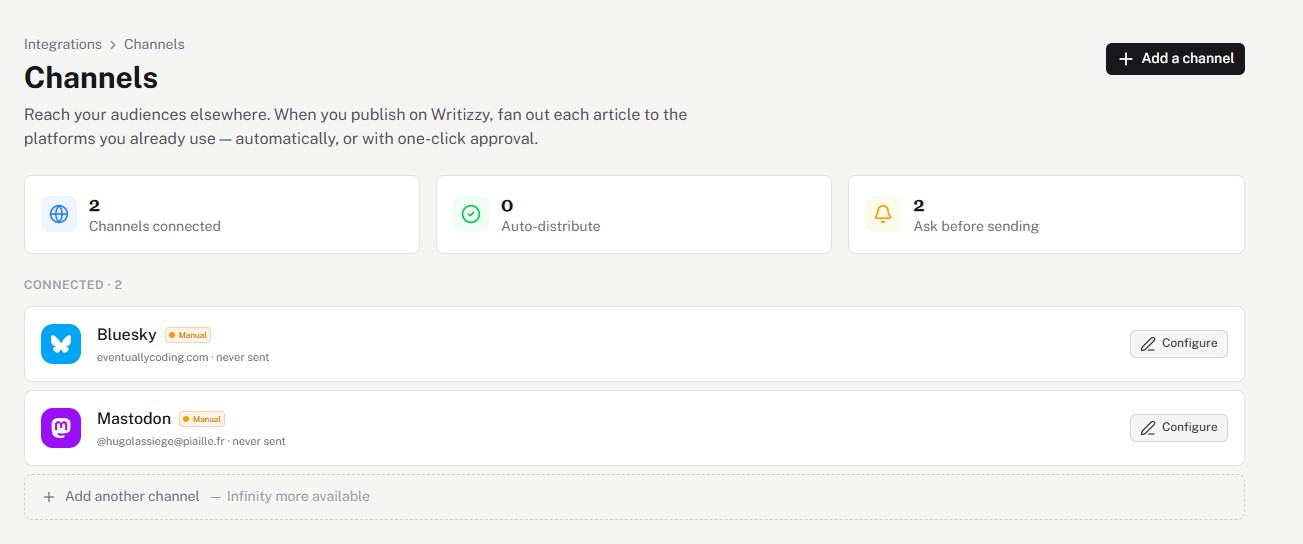
Connect your Bluesky account
Open Channels in your blog settings and click Add a channel, then pick Bluesky and authorise the connection. You only do this once. Connected channels show up in the list, ready to fan out your next article.
Choose automatic or "ask me first"
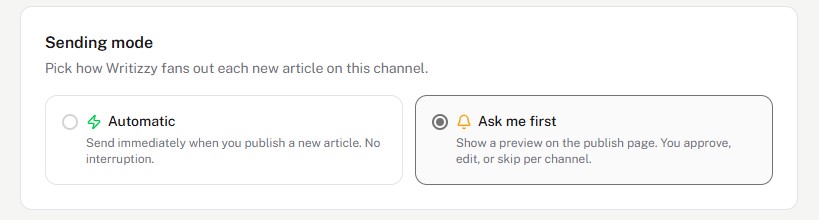
Click Configure on the channel and pick how it behaves:
- Automatic: every time you publish, Writizzy posts an announcement to Bluesky for you.
- Ask me first: Writizzy shows a preview on the publish page, so you can approve, edit, or skip it per article.
Pick a tone
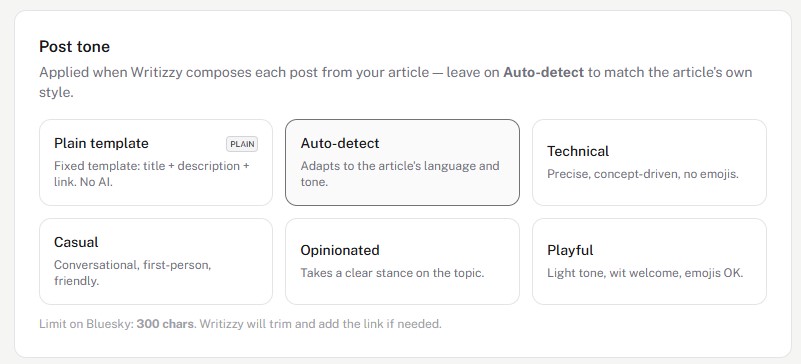
Writizzy writes the announcement from your post, so there is no copy-pasting and no blank-page moment. Choose the tone it should use, or leave it on Auto-detect to match your article's own style. Writizzy keeps the post within Bluesky's 300-character limit and adds the link for you.
More than a link
Bluesky is one app on an open protocol, so Writizzy goes further here than with the other networks. Connecting the channel also publishes each article to the network Bluesky runs on, using the shared standard.site format.
Three things follow from that, and none of them needs any setup:
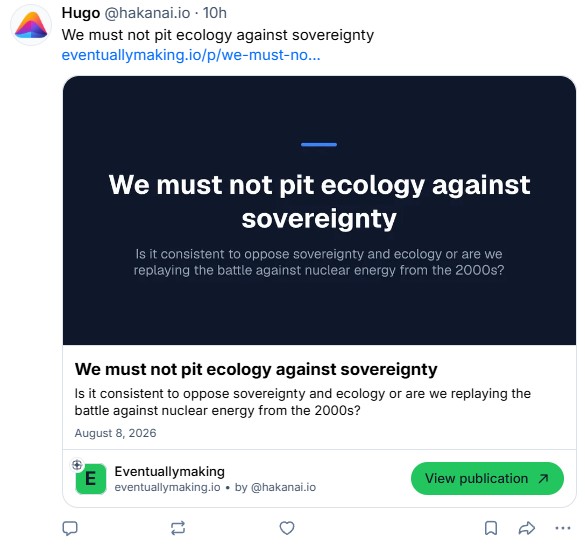
- Your announcement shows a real preview of the article, in your blog's own colours, with a subscribe button, instead of a generic link card.
- Replies, reposts, and likes come back and appear under the article on your blog.
- Your articles turn up in other apps built on the same protocol, which send readers back to your site.
See Publishing to the open network for more details.
Embed Bluesky posts
Feature any public Bluesky post inside one of your articles.
Copy the post link
Open the post on Bluesky, click the three dots, and choose Copy link to post.
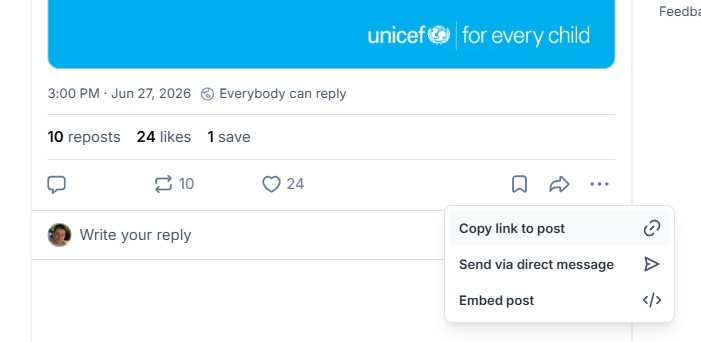
Add it to your article
Back in the Writizzy editor, paste the link on an empty line and it becomes a live, responsive embed. You can also type /bluesky in the slash menu and paste the URL into the dialog.
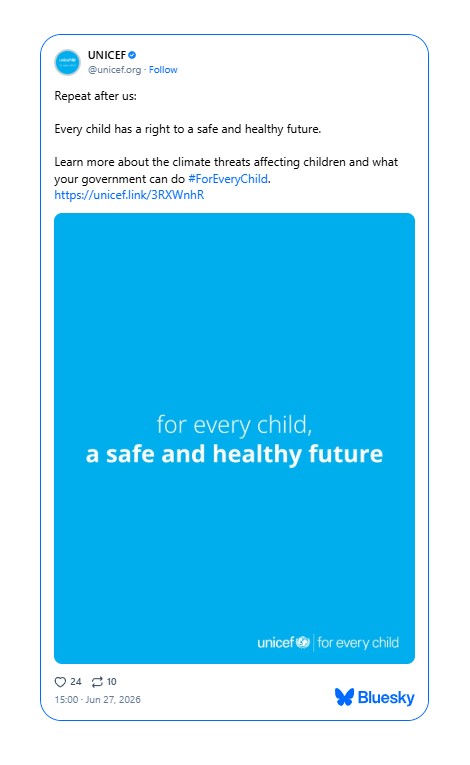
Good to know
- Cross-posting and embedding are independent. Use either, or both.
- See the full cross-posting feature for tones, approval flow, and the other networks you can connect.